
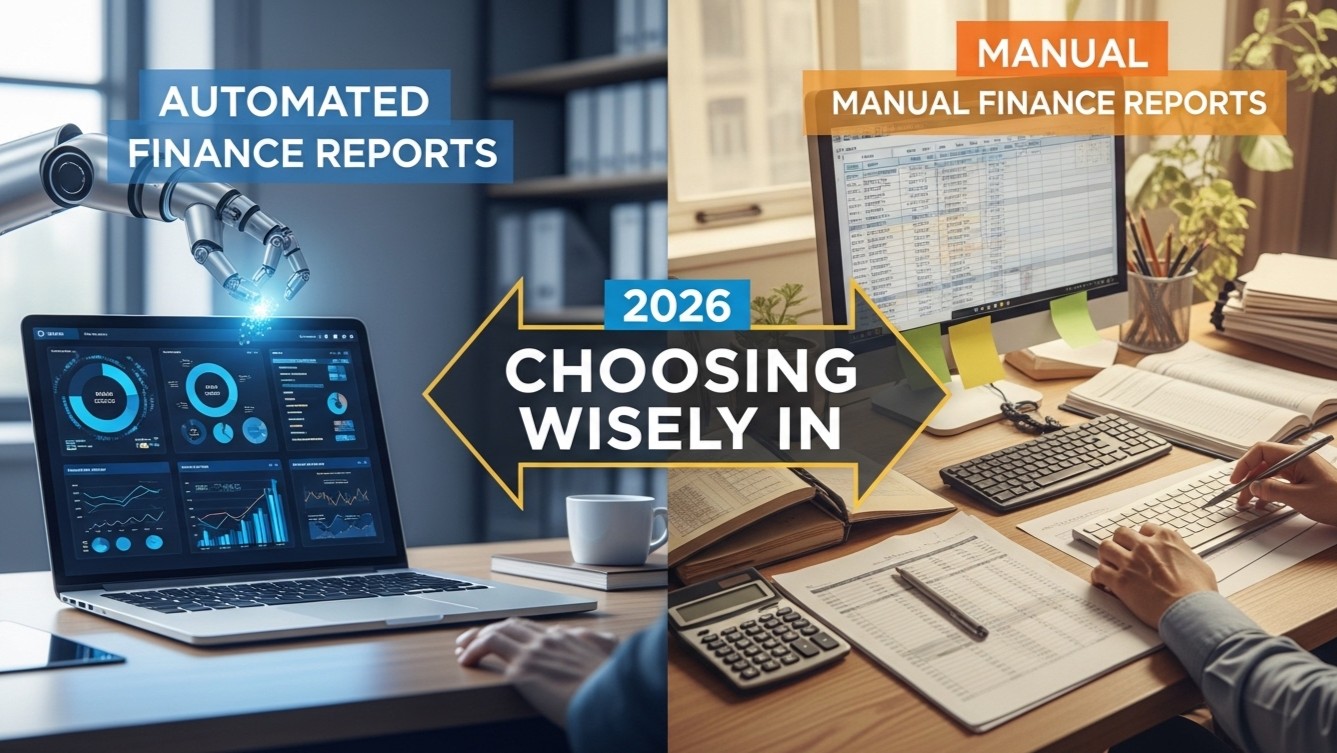

Choose between automated financial statements and manual preparation
Manual and automated financial reporting both have a place in an Indian business or CA practice. The decision depends on the number of reports, how often figures change, the evidence behind the accounts and the review required before submission. A spreadsheet may be adequate for a small internal analysis. Repeated balance sheets, bank projections and repayment schedules create a stronger case for dedicated reporting software.
Start by identifying the report's purpose. Historical financial statements describe recorded performance and balances. A bank-loan project report sets out future operations, funding and repayment capacity. CMA means Credit Monitoring Arrangement and is used in bank credit assessment. These documents share figures but answer different questions. Software selection should follow those requirements rather than a broad promise to automate finance.
What "financial statement automation software" can and cannot switch off
Software can switch off the retyping, the re-linking of schedules and the re-footing of columns. It cannot switch off the trial balance review, the classification judgement or the sign-off. In Finxora, the statements, notes and ratios are computed from one input set and the years carry forward automatically; the accuracy still rests on your reconciliation of the books. Buy automation to remove rework, not to remove accountability.
What manual reporting involves
Manual reporting commonly means taking a trial balance or ledger summary, mapping accounts into a spreadsheet, entering adjustments and preparing statements and notes. Formulas calculate totals and ratios, while the preparer controls presentation. A well-maintained workbook can provide transparent workings and accommodate unusual schedules without waiting for a software change.
The work becomes harder when the same figures appear in several files. A revised loan amount may require changes to interest, principal repayments, cash flow, closing borrowings and ratios. Copying the amendment into each location creates opportunities for inconsistent versions. The risk depends on workbook design and review discipline, not simply on whether Excel is involved.
What automation can reasonably change
Reporting software can reuse structured inputs and calculate connected schedules from them. This can reduce repeated entry and make amendments easier to propagate. The benefit is strongest when the reporting structure repeats across clients or years. It is weaker where the underlying data is incomplete or the required presentation falls outside the software's available formats.
Automation does not establish that a debtor is recoverable, an expense is correctly classified or a sales forecast is realistic. A report can balance mathematically while remaining commercially implausible. Treat automated calculations as one control within a preparation and review process. Keep responsibility for source records, accounting decisions and final approval clearly assigned.
Compare the methods using a real assignment
| Decision factor | Manual approach | Automated approach |
|---|---|---|
| Initial setup | Design and document the workbook | Configure the entity, inputs and reporting options |
| Repeated amendments | Check every dependent formula and file | Recalculate linked schedules and review the result |
| Unusual presentation | Flexible if the preparer can maintain it | Limited by supported layouts and exports |
| Source errors | Require reconciliation and judgement | Still require reconciliation and judgement |
| Handover | Needs formula and version documentation | Needs documented inputs and review responsibilities |
Time one complete assignment through to a reviewed deliverable. Include gathering data, mapping, resolving exceptions, checking calculations and exporting files. A fast first draft is only part of the process. Record how long a later amendment takes and whether the reviewer can explain the final figures without recreating the report.
Where manual work remains appropriate
Manual preparation can suit an infrequent internal schedule with few transactions and a stable format. It can also support a bespoke analysis that is outside the reporting application's scope. A documented workbook is particularly valuable when the reviewer needs to inspect the calculation logic directly or compare alternative assumptions in detail.
Maintain basic controls: identify input cells, protect calculation cells where appropriate, record units and reporting dates, and separate actual results from projections. Reconcile opening balances and retain the supporting evidence. Avoid emailing several editable versions without a designated master. These practices matter even when the workbook contains only a few sheets.
Where dedicated reporting software becomes attractive
Consider software when several users repeatedly prepare similar statements, clients request frequent amendments or the same financial history feeds multiple bank documents. Multi-year projections are another strong candidate because closing balances, depreciation and repayments need to remain connected. The relevant question is whether the tool supports your actual report sections and entity types.
Finxora's balance sheet software offers comparative and Schedule III layouts, supporting notes and PDF, Word and Excel downloads. Its Tally XML trial-balance import provides suggested mapping for review before import. These are specific preparation functions; they should be evaluated against a representative client file rather than treated as a substitute for checking the books.
For lending work, the project report software builds project cost, means of finance, projected statements, repayment schedules, DSCR and break-even analysis from inputs. Review whether the available schedules fit the application and the lender's requested definitions. Requirements vary by bank, loan product and borrower circumstances.
Use a controlled pilot before changing the workflow
- Select a completed assignment with reliable source records and known final figures.
- Prepare the same report in the proposed software using identical accounting assumptions.
- Compare statement totals, notes, depreciation, loan balances and repayment schedules.
- Change one material input and trace every dependent figure in the revised output.
- Ask a reviewer to check the exported file and document any unexplained differences.
Use meaningful amendments in the pilot. For a project report, change commissioning timing or the loan tenure and inspect interest, principal and cash availability. For a balance sheet, correct a ledger classification and inspect the affected statement and notes. Any difference between methods should be understood before the new workflow is adopted.
Count the full cost of reporting
Compare subscription costs with staff preparation, review, correction and handover time. Include the cost of building and maintaining spreadsheet templates. Initial configuration can make the first software assignment slower than later assignments, so separate setup effort from recurring effort. Do not assume every saved preparation hour becomes a billable hour.
Check current pricing and module options against the work you need. Ask practical questions about report formats and account access before choosing a workflow. Avoid relying on unsupported savings percentages or a vendor's general claims about accuracy. Your own pilot provides a more relevant basis for estimating value.
For the related preparation guidance, see financial reporting software.
For the related preparation guidance, see auto-generate financial statement schedules.
Keep professional review in the final process
A workable approach often combines structured software preparation with manual exception analysis. Reconcile the source trial balance, review mapping, document accounting adjustments and inspect exports. Projections need a separate commercial review of capacity, pricing, costs and collections. A polished report should make those assumptions easier to assess, rather than hide them.
Choose manual reporting when its flexibility and manageable volume justify the maintenance effort. Choose automation when repeated structures and linked calculations create measurable benefits. Reassess the decision as the practice grows, using completed assignments and actual corrections as evidence. The objective is a report that another professional can understand, trace and review consistently.